如何为 AI 修图撰写指令(附 20 个示例)
 Dola Team
基于指令的 AI 修图详解:如何描述背景替换、物体移除、重新打光、风格变换和多图编辑,让模型只改动你想要的部分,其余保持不变。
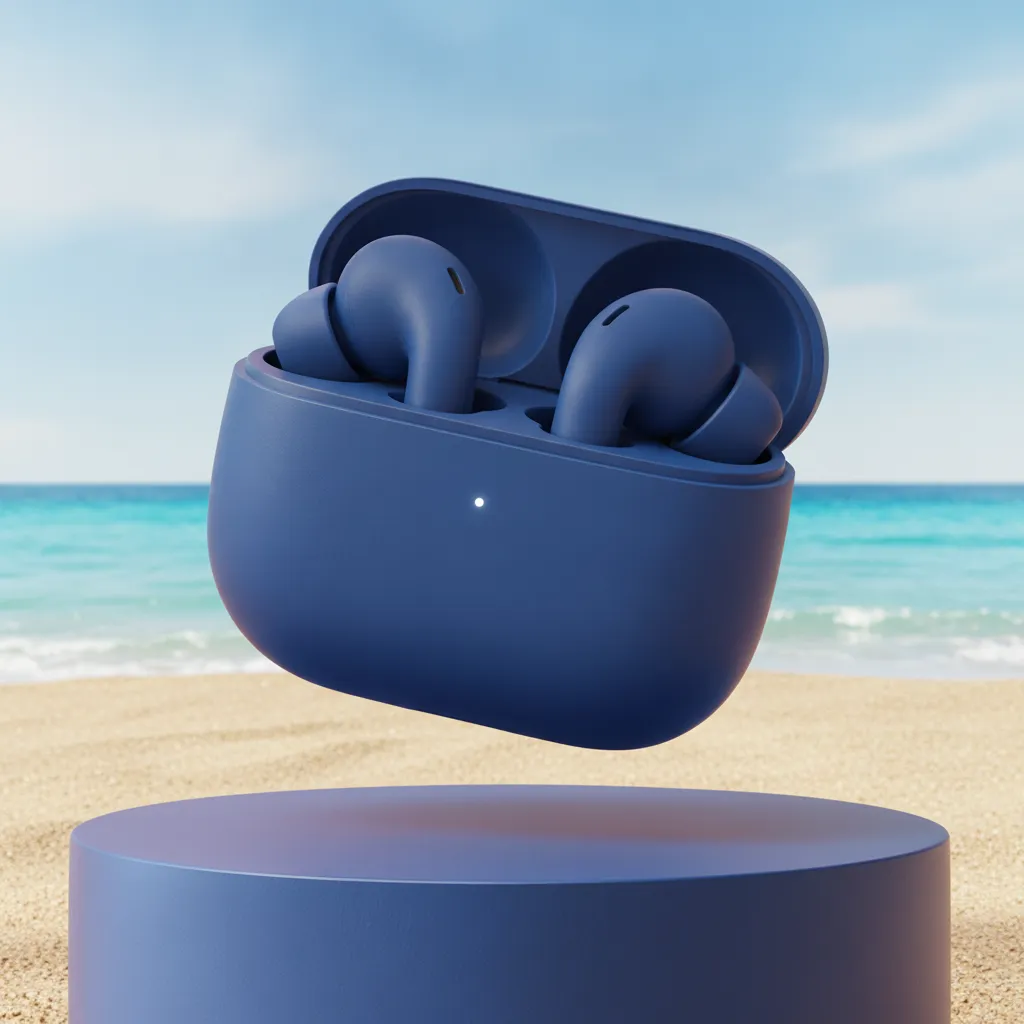
基于指令的修图工具与传统修图软件的工作方式不同。这里没有图层、蒙版或画笔。你上传一张照片,用自然语言写下要改什么,模型就会返回一张修好的图。在 Dola AI 上,这就是 AI 修图,它由 Nano Banana 2、Seedream 5.0 Lite 或 GPT Image 2 驱动,最多可接受四张参考图。
结果的好坏很大程度上取决于你怎么写指令。本指南会讲解行之有效的写法,按任务分类给出二十个示例指令,并说明那些会让编辑器改错地方的常见错误。
最重要的一条规则:说清改什么、留什么
修图模型必须自己判断哪些像素要保留。如果你只说想要什么,它可能顺手“优化”了画面其他部分:磨皮、改颜色、重画 logo。解决办法是把两头都说清楚:
Change: replace the background with a sunny beach. Keep: the person, their clothes, pose and face exactly as they are.
合成一句话就是:“把背景换成正午的阳光海滩;人物、衣着、姿势和面部保持不变。”
这种“改什么 + 留什么”的结构,是 AI 修图里最实用的习惯。
适用于任何编辑的模板
[Action verb] [the thing to change] [to / with what], [details about the new look]. Keep [what must stay the same] unchanged. [Optional: match lighting / perspective / style].
有力的动词:replace、remove、add、change、recolor、relight、extend、turn into、restyle。
背景编辑
-
干净的产品背景
Replace the background with pure white. Keep the product, its label and shadow shape unchanged.
-
更换场景
Place this person on a rooftop terrace in the city at sunset. Keep their face, hair, clothes and pose unchanged, and match the warm sunset light on their skin.
-
虚化背景
Blur the background as if shot with a wide-aperture lens. Keep the subject sharp and unchanged.
-
季节替换
Change the garden in the background from summer to a snowy winter scene. Keep the house and the people unchanged.
移除物体
-
背景中的路人
Remove the person walking behind the couple on the left. Fill the space with the matching street and shop fronts.
-
杂物
Remove the cables, papers and cups from the desk. Keep the laptop, lamp and plant.
-
你拥有版权的文字或水印
Remove the date stamp in the bottom right corner.
只移除你拥有版权或有权编辑的图片上的水印。移除他人水印以复用其作品,违反我们的服务条款。
添加物体
-
道具
Add a steaming cup of coffee on the table to the right of the laptop, matching the room's lighting and perspective.
-
天气
Add light rain and wet reflections on the street. Keep the buildings and cars unchanged.
-
文字(GPT Image 2 处理文字效果最好)
Add the words "SUMMER SALE" in bold white letters across the top of the image, centered.
改变颜色与材质
-
产品换色
Change the color of the sneakers from white to forest green. Keep the logo, laces and sole unchanged.
-
更换材质
Change the sofa fabric to dark brown leather. Keep the shape, cushions and room unchanged.
-
更换服装
Change her jacket to a red wool coat. Keep her face, hair and the background unchanged.
打光
-
黄金时刻
Relight the scene as golden hour, with warm low sunlight from the left and long soft shadows.
-
人像棚拍打光
Relight the portrait with soft studio light from the front left and a subtle rim light on the hair. Keep the face and expression unchanged.
-
修复暗图
Brighten the room evenly as if lit by daylight from the window. Keep colors natural.
风格变换
-
插画风
Turn this photo into a watercolor illustration with soft edges and paper texture. Keep the composition.
-
3D 质感
Restyle the scene as a soft 3D clay render with pastel colors. Keep the layout of the room.
扩展与重新构图
- 扩展画布
Extend the image to a 16:9 frame, continuing the beach and sky naturally on both sides.
在执行扩展指令前,先在工作室里把画幅比例设成你想要的尺寸。
组合多张图片
Dola AI 的编辑器最多接受四张参考图。用指令说明每张图扮演什么角色:
- 产品融入场景
Place the bottle from the first image on the marble counter in the second image, in the light from the window. Keep the bottle's label and shape exactly as in the first image.
其他多图用法:
- 风格迁移:“Restyle the first image in the color palette and lighting of the second image.”
- 参考服装:“Dress the person in the first image in the jacket from the second image.”
- 角色一致性:“Use the face in the first image for the person in the scene.”参见我们的AI 图片与视频中的角色一致性指南。
用顺序来指代图片(“第一张图”“第二张图”)。像“有狗的那张照片”这样的描述也可以,但按顺序更清晰。
编辑出错的原因与解决办法
模型改了我没要求改的地方。 补一句“保持……不变”,把这些东西列出来。要具体:“保持面部不变”比“保持人物不变”更好。
什么都没变。 指令大概太模糊了(“让它更好看”)。点明具体改动:“把天空变成深蓝色,加几朵白云”。
添加的物体看起来像贴上去的。 让模型匹配光线和透视:“匹配房间的暖光和拍摄角度”。
人脸变了样。 尽量让人脸不参与编辑,写明“保持面部和表情不变”,避免一步之内对人脸大幅重新打光。
文字拼错了。 文字类编辑用 GPT Image 2,文字要短,并用引号括起来。使用图片前先检查拼写。
一次改太多。 一条指令只做一处改动,比一次做五处效果好。分步编辑:先背景,再光线,最后道具。每一步只花几个积分,效果满意就可以停。
为编辑选择模型
| 模型 | 每张图片积分 | 擅长 | | ----------------------------- | ------------ | -------------------------------------- | | Nano Banana 2(1K / 2K / 4K) | 10 / 15 / 24 | 保持人物与产品一致、多图编辑、高分辨率 | | Seedream 5.0 Lite(2K) | 8 | 低成本的场景与风格变换 | | GPT Image 2(1K) | 8 | 添加或修改文字、平面排版类编辑 |
工作室会在执行编辑前显示确切费用,失败的编辑会自动退还积分。想进一步了解各模型,请阅读 AI 图片模型对比。
伦理与规则
编辑真人照片需要谨慎:
- 只编辑已征得本人同意的照片,或你有权使用的照片。
- 不要制作把真人置于未曾发生的情境中、可能误导或伤害他们的图片。
- 不要用编辑功能伪造证件、收据或身份证件。
- 如果发布的编辑图片可能被误认为真实事件,请注明图片经过编辑。
我们的服务条款禁止欺骗性冒充、以误导为目的的深度伪造、侵权和非法用途,对于违规内容我们可能予以删除并暂停相关账号。
常见问题
我需要描述整张图片吗? 不需要。描述改动和要保留的部分即可,其余部分模型自己看得到。
同一张图片可以多次编辑吗? 可以。下载结果后重新上传进行下一步,或直接从结果中继续使用。
输出图片的分辨率会和我的照片一样吗? 输出使用你在工作室中选择的分辨率(例如 Nano Banana 2 的 1K、2K 或 4K),而不是输入图片的尺寸。
可以把编辑后的图片做成视频吗? 可以。在图生视频中打开它并描述运动方式。这是制作产品和人物短片的常见做法。
打开 AI 修图,上传一张照片,试试上面二十条指令中的任意一条。