How to Make UGC-Style Video Ads with AI (Hooks, Shot Lists and Disclosure)
 Dola Team
A practical guide to making short UGC-style ads with AI video: the structure that works, hook ideas, a five-shot template with prompts, budgets in credits, and how to disclose AI content honestly.
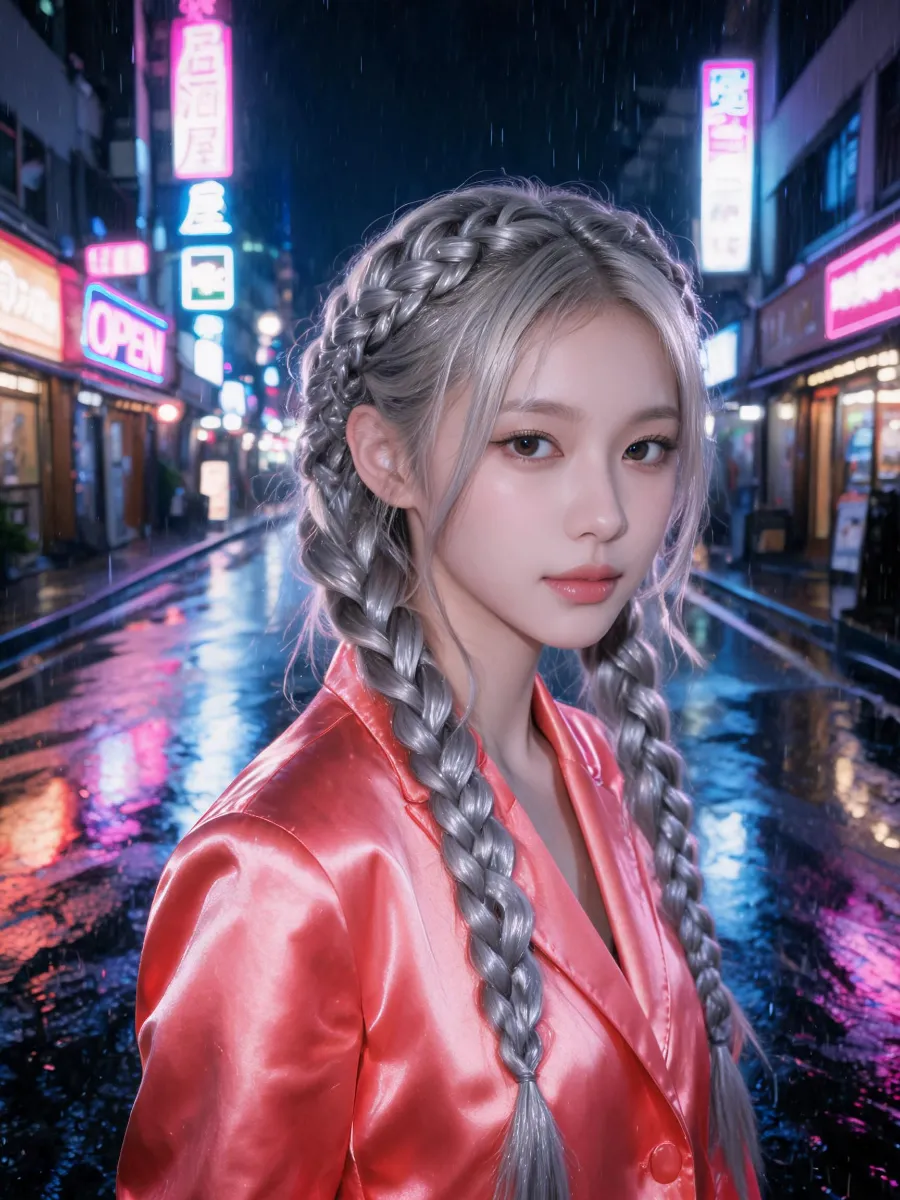
"UGC-style" ads look like something a real customer filmed on a phone: casual framing, natural light, a person talking about or using a product. They often outperform polished ads on TikTok, Reels and Shorts because they look like the content around them.
AI video can help produce these ads faster — b-roll of the product in use, hands unboxing, reaction shots, scene variations for testing. It can also be misused to fake testimonials. This guide covers both: how to make effective UGC-style clips with AI on Dola AI, and where the honest limits are.
What makes a UGC-style ad work
The format has a well-known structure:
- Hook (0–2 seconds). A visual or line that stops the scroll.
- Problem (2–5 seconds). The situation the viewer recognizes.
- Product in action (5–15 seconds). Showing, not telling: the product solving the problem.
- Proof (a few seconds). A result, a before/after, a detail that makes it believable.
- Call to action (last 2–3 seconds). What to do next.
Total length: usually 15 to 30 seconds, made of several short shots. On Dola AI, each shot is a separate clip of 4 to 15 seconds, which fits this format naturally.
Where AI fits — and where it doesn't
Good uses of AI in UGC-style ads:
- Product b-roll: the product on a bathroom shelf, in a gym bag, on a desk.
- Hands-only shots: unboxing, pouring, applying, assembling.
- Scene variations: the same shot in a kitchen, an office and outdoors, to test which converts.
- Atmosphere shots: a morning routine, a commute, a workout.
- Storyboards: drafting an ad before you hire a creator to film it.
What you should not do:
- Fake testimonials. An AI-generated person saying "this cream cleared my skin" is a fabricated customer review. In many countries that breaks advertising law, and it breaks the advertising policies of the major platforms.
- Fake results. Before/after images that the product didn't actually produce are misleading.
- Real people without consent. Don't generate a recognizable person, including a creator you worked with, without their written permission.
A useful rule: AI can show the product and the situation; claims about results and experiences must come from real customers.
Hook ideas that work visually
The first two seconds matter most. Visual hooks you can generate:
- The unexpected close-up: an extreme close-up of the product's texture, then a pull-out.
- The mess before: a cluttered desk, tangled cables, a spilled bag — the problem in one frame.
- The satisfying moment: a pour, a click, a zip, a perfect fold.
- The point-of-view start: a handheld shot walking into a room, as if the viewer is there.
- The motion stop: fast movement that stops on the product.
A five-shot template with prompts
Here is a complete shot list for a fictional reusable water bottle. Swap in your product. All shots use 9:16, the format for TikTok, Reels and Shorts.
Shot 1 — Hook (4 s)
Handheld phone-style shot, a cluttered desk with three empty plastic water bottles and crumpled papers, natural afternoon window light, slightly shaky, casual home setting.
Shot 2 — Problem (5 s)
A young woman at the desk shakes an empty plastic bottle and sighs, medium close-up, handheld, natural light, casual home office.
For a recognizable person, use a real creator or a clearly fictional character, and don't make them claim results.
Shot 3 — Product in action (5 s) Use Image to Video with a real photo of your product as the first frame:
A hand picks up the matte green bottle, unscrews the cap and fills it from a kitchen tap, close-up, natural light, handheld.
Shot 4 — Proof (5 s)
Close-up of the bottle in a gym bag pocket, then the hand pulls it out and drinks, condensation on the surface, bright natural light.
Keep proof shots factual: features you can demonstrate (it fits the pocket, it keeps cold) rather than claims you can't.
Shot 5 — Call to action (4 s)
The bottle stands on a clean desk next to a laptop, static camera, soft morning light, empty space above for text.
Add the text ("Link in bio", the offer) in your editor. AI models are unreliable at writing text in video.
Making it look like UGC
Polished AI video can look too perfect for this format. Words that help:
- Camera: "handheld", "phone camera", "slightly shaky", "vertical phone video".
- Light: "natural window light", "bathroom light", "overcast daylight". Avoid "studio lighting" and "cinematic".
- Setting: real places with a bit of clutter: "a lived-in kitchen", "a messy desk".
- Framing: "slightly off-center", "close-up from arm's length".
Our camera movement guide explains handheld and other moves in more detail.
Sound
Seedance 2.0 can generate sound with the clip — room tone, footsteps, water, clicks. For UGC-style ads, generated ambient sound makes clips feel real. For voice-over and music, most advertisers record a real voice and use licensed music in their editor, because they want exact words and rights they can document.
Budget: what a test batch costs
Ad testing means making several versions. Here is what the five-shot template costs in credits on Dola AI, with generated sound included:
| Version | Model and resolution | Shots | Credits | | ----------------- | ------------------------------ | ----------- | ------- | | Draft | Seedance 2.0 Fast, 480p (15/s) | 4+5+5+5+4 s | 345 | | Social final | Seedance 2.0 Fast, 720p (32/s) | 23 s | 736 | | High-detail final | Seedance 2.0 Pro, 720p (42/s) | 23 s | 966 |
A practical plan:
- Draft the full ad at 480p Fast (345 credits).
- Regenerate the one or two weak shots (about 150 credits).
- Make two alternative hooks to test (about 120 credits).
- Produce the winning version at 720p.
The Starter plan includes 1,200 credits a month, enough to draft and test one product's ad set. See the pricing page and the AI video cost guide for more budget examples.
Testing variations
AI makes it cheap to test one change at a time:
- Hook test: same ad, three different first shots.
- Setting test: the same product shot in a kitchen, an office and a park.
- Pacing test: a 15-second cut against a 25-second cut.
Change one thing per test so you know what made the difference.
Disclosure and platform rules
Platforms increasingly ask advertisers to label realistic AI-generated or altered content, and some apply labels automatically. Rules differ by platform and change often, so check the current advertising policies of TikTok, Meta and YouTube before you run an ad. As a baseline:
- Label realistic AI-generated people or scenes when the platform asks for it.
- Never present AI-generated people as real customers.
- Keep claims about results backed by real evidence.
- Keep records: which shots were generated, with what prompts.
Honest disclosure doesn't hurt performance as much as advertisers fear, and a rejected or reported ad costs far more.
Frequently asked questions
Can I use these clips in paid ads? Clips generated with paid credits on Dola AI include commercial use. See our terms of service. You are responsible for the claims in your ad and for following each platform's policies.
Should I use text to video or image to video? Use Image to Video for any shot that shows your real product, starting from a real photo. Use Text to Video for atmosphere, problem and setting shots. Our guide to choosing between text and image to video explains the difference.
How do I keep the same person across shots? Generate a consistent character first and animate images of them. Our consistent character guide walks through it.
Is 480p good enough for TikTok? For tests, yes. For the final version, 720p is a safer choice because platforms compress video again on upload.
Ready to build your first shot list? Browse the UGC prompts in the prompt library and open the studio.